Discovery Bank Foreign Currency Account: Complete Guide
Learn everything you need to know about opening a foreign currency account with Discovery Bank, including the fees, requirements, and processes associated.


FNB offers a Global Payments service, which lets you send and receive international payments through the SWIFT system, either online or via the FNB mobile banking app. You can also now receive added rewards for your online foreign currency transactions.
In this guide, we’ll cover everything you need to know about FNB international money transfers. This includes fees, exchange rates, rewards, and how to set up a payment.
We’ll also introduce you to Wise, a money transfer services provider that provides international money transfers to South Africa. You can send money to ZAR with Wise at the mid-market exchange rate⁶.
Before we look at anything else, let’s start with the most important question on your mind: how much does it cost to make an international transfer with FNB?
The bank charges what it describes as competitive fees for transfers. These vary depending on how much you send, and whether you do it online/app or via phone/banker.
Let’s take a look at the full list of FNB international transfer fees for sending and receiving money¹:
| Transfer Amount | Fee for Online/App | Fee for Phone/Banker |
|---|---|---|
| R1 to R1 000 | R30 | R40 |
| R1 000.01 to R2 000 | R70 | R80 |
| R2 000.01 to R3 000 | R100 | R110 |
| R3 000.01 to R4 000 | R130 | R140 |
| R4 000.01 to R5 500 | R150 | R160 |
| R5 500.01 to R10 000 | R200 | R210 |
| R10 000.01 and above | 0.55% (min R275, max R550) | 0.55% (min R550, max R875) |
| Transfer Amount | Fee for Online/App | Fee for Phone/Banker |
|---|---|---|
| R1 to R1 000 | R30 | R40 |
| R1 000.01 to R2 000 | R70 | R80 |
| R2 000.01 to R3 000 | R100 | R110 |
| R3 000.01 to R4 000 | R130 | R140 |
| R4 000.01 to R5 500 | R150 | R160 |
| R5 500.01 to R10 000 | R175 | R185 |
| R10 000.01 and above | 0.55% (min R175, max R450) | 0.55% (min R350, max R760) |
The fee for receiving transfers above R10,000 is R206 for both online and phone/in-person transfers.
So, how does FNB stack up against other providers? To help you compare options, here’s a quick example of a transfer in ZAR with Wise.
Let’s imagine you want to send $500 (approx. R8,039) in USD to South Africa. With Wise, it’ll cost just $6.49 USD* (around R104) in transfer fees⁶, and you’ll get the benefit of the mid-market exchange rate too². Do the same with FNB and you’ll pay at least R200 in fees plus the difference in exchange rate.
*Fee for Wise transfer carried out with connected bank account, as of 3rd Sept 2026.
FNB says it offers "personalised" exchange rates to its customers, so you’ll need to initiate a transfer in order to check the live rate available to you.
However, you can also check the rates available to everyone else on the FNB website⁸.
The mid-market exchange rate is the rate banks use to trade currency with each other, and is thought to be one of the fairest you can get. Like many banks, FNB is likely to add a margin or markup to the mid-market rate.
Wise uses mid-market exchange rates, with no margins, markups, or hidden fees. You can always see fees and rates upfront before making an international transfer⁶.
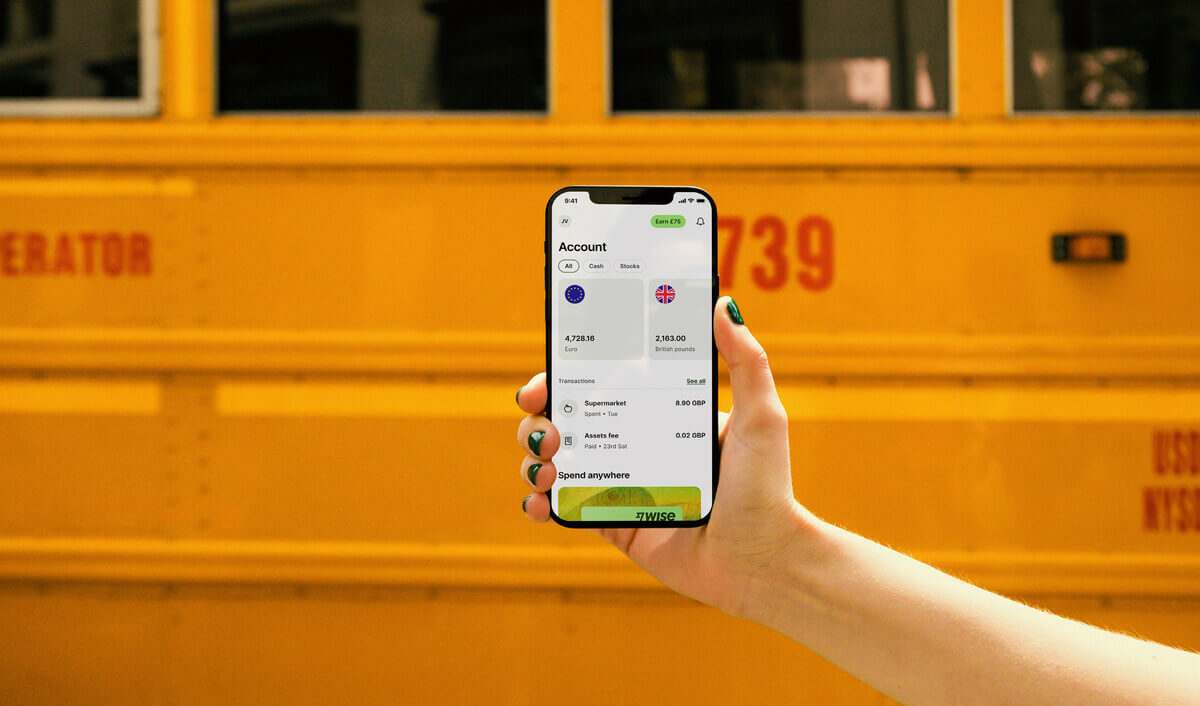
For those who value transparency, sending money with Wise is an option since Wise shows the fees upfront before the transfer is made.
The time it takes for FNB international transfers can vary depending on a few factors, including destination and currency.
As long as your transfer meets all regulatory requirements, it should arrive within 2 to 3 business days³.
The bank has introduced a rewards system to incentivise online foreign transactions. Customers using the online service can earn up to 50% back in eBucks on transfer charges. eBucks is the country’s leading multi-partner rewards programme, which helps customers earn through banking and shopping using FNB. For example, if you transfer R1,000, you can earn R15 in eBucks that can be redeemed with partner companies.
Making an online transfer using FNB is fairly simple. Here are the steps:
Once completed, you will be redirected to the Forex Payment History screen. A status of "Documents Required" means your documents are pending review and authorization by an FNB agent.
If you get stuck at any point, FNB's Forex Advisory Team can be reached at 0860 1 FOREX (36739).
The maximum amount allowed to send from South Africa with FNB is R5 million⁵. However, limits vary by account holder, time, and day:
Contact FNB directly if you need to confirm or request an increase to your maximum transfer limit.
Before sending money to South Africa, do a market survey. Wise can be an option for international transfers to ZAR⁶.
Sources:
All sources checked on September 25, 2026.
*Please see terms of use and product availability for your region or visit Wise fees and pricing for the most up to date pricing and fee information.
This publication is provided for general information purposes and does not constitute legal, tax or other professional advice from Wise Payments Limited or its subsidiaries and its affiliates, and it is not intended as a substitute for obtaining advice from a financial advisor or any other professional.
We make no representations, warranties or guarantees, whether expressed or implied, that the content in the publication is accurate, complete or up to date.

Learn everything you need to know about opening a foreign currency account with Discovery Bank, including the fees, requirements, and processes associated.

Your guide to Absa Bank international money transfers, including fees, exchange rates, transfer times and more.

Find out how to send and receive international payments in South Africa using Nedbank, including international transfer fees, time, and the transfer process.

While you cannot make international transfers with Capitec, you can receive them. Learn more about the international transfer process with Capitec here!

Your guide on how to receive money from WorldRemit in South Africa, including collecting money as a cash pick up and documents you need to make an account.
Everything you need to know about how to receive money from Western Union in South Africa, including how and where to pick up cash, and the documents you need.